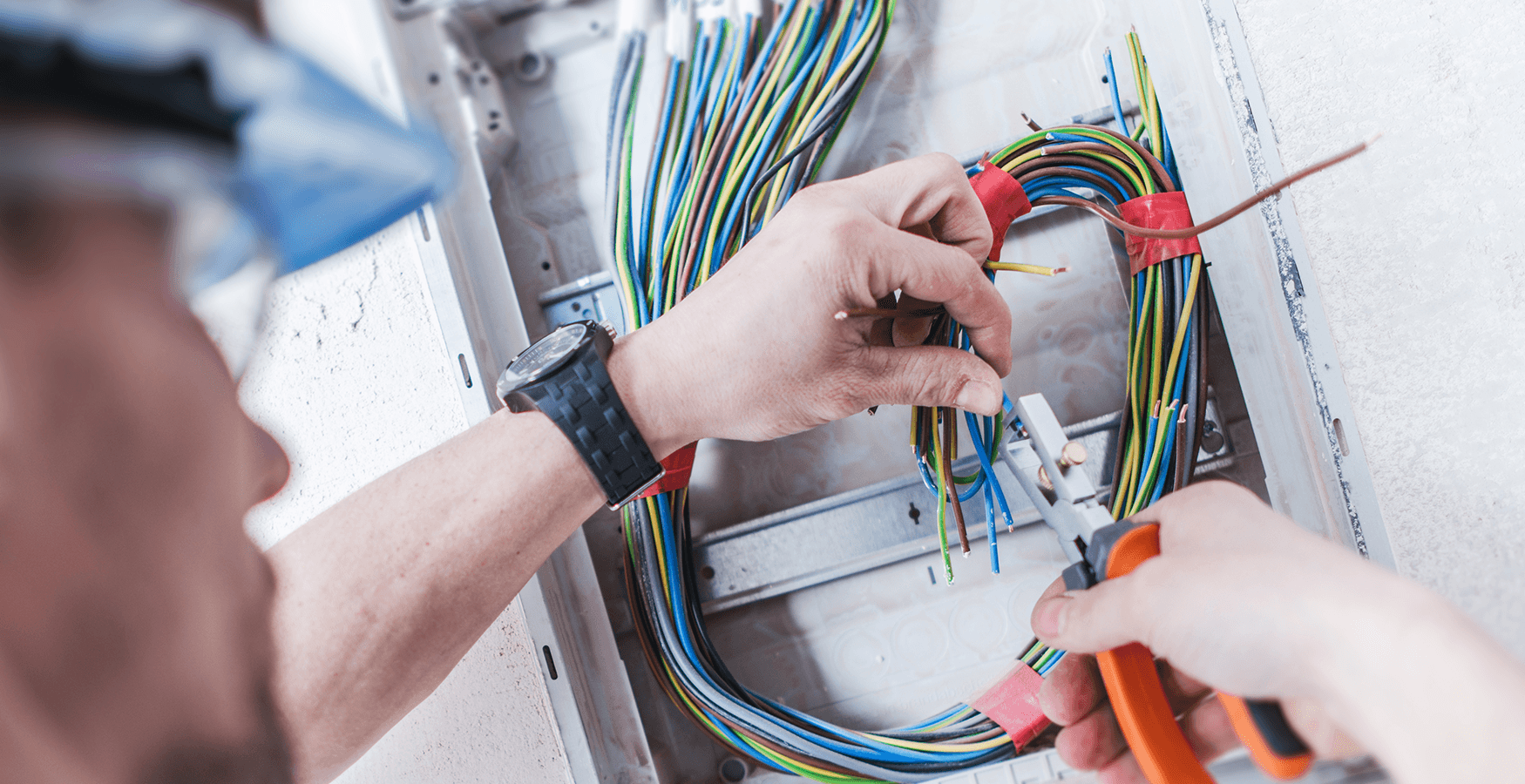
Structured cabling done properly
Data and communications cabling is the structured backbone of a modern home or business — Cat-6 runs from the comms cabinet to every wall plate, network points in meeting rooms, phone lines where they're still in service, and the cable for security cameras, alarms, intercoms and audio. Done properly, the active equipment that connects to it (routers, switches, access points, NVRs, amplifiers) gets dropped in cleanly and the system reads as one consistent install rather than a tangle of patchwork add-ons.
Residential structured cabling
For a typical Brisbane home we run Cat-6 to the locations where wired connections actually matter — TV positions, the home office, the kid's study, sometimes the kitchen. Wireless coverage is usually layered on top with one or two cable-fed access points in the right ceiling locations. The output is a tidy patch panel inside a comms cabinet (often in a hallway cupboard or laundry), all the runs labelled at both ends, and the active gear bolted into a slim wall-mount rack.
Commercial fit-outs
Tenancy fit-outs and reconfigurations are usually staged alongside power and the rest of the trades. Power and data come together — same crew, same site visits, one program. Cat-6 to every desk position, network points in meeting rooms, wall plates and labelled patch panels back to the comms cabinet. As-built drawings on completion so the tenant has a record of what was put where.
NBN, audio, security
NBN connections terminate at an NTD installed by NBN Co; from the NTD onwards is our work — the data cabling between the NTD, your modem-router and any active wall-port outlets. Speaker cabling for whole-home audio runs are straightforward — we pull the cable, install the speaker boxes, terminate at both ends, and label the runs. Active audio gear (amp, source switching, control system) is usually customer-supplied or installed by an AV specialist; the cabling we deliver is the structured backbone they connect to. Same pattern for camera and alarm pre-cabling — the runs are ours, the device-side configuration is the security installer's.